
SecureShell Go
SecureShell Go connects your phone or computer to your servers over SSH. You get a full terminal, a file browser for copying files to and from the server, saved port forwards, and a viewer for the server's desktop, all over the one SSH connection.
Who it is for
- People who look after servers: a home server, a Raspberry Pi, a cloud machine, a NAS. Fix something from your phone without a laptop.
- Developers who edit a config file, tail a log or restart a service on a remote machine.
- Students learning Linux who want to practise on a remote machine from any device.
What it does
| Feature | What you do with it |
|---|---|
| Terminal | Run commands on the server in an xterm-256color terminal, with an extra-keys row for Esc, Tab, Ctrl and the arrows. |
| Files (SFTP) | Browse the server's folders, download, upload, rename, delete, edit text files in place. |
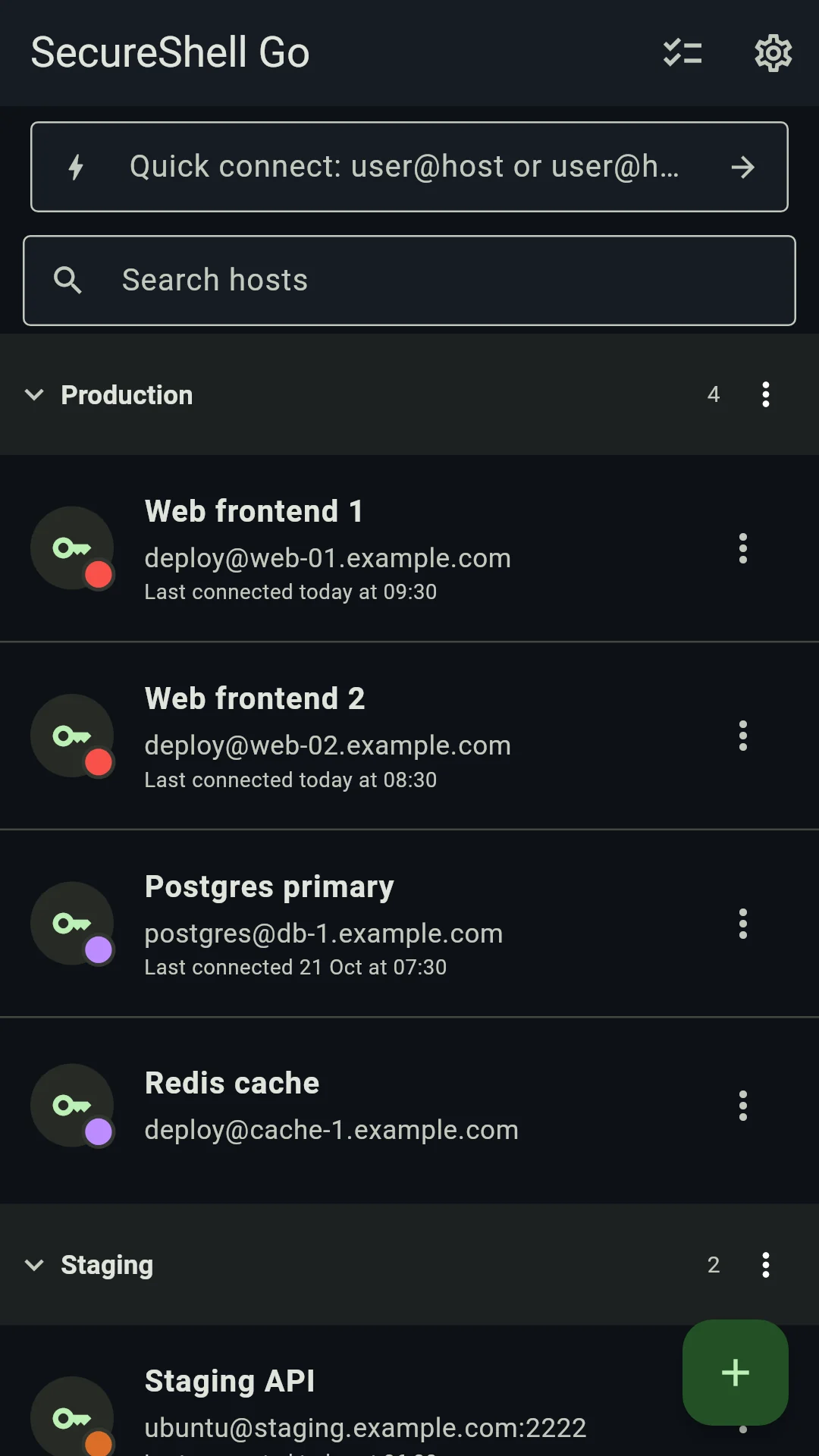
| Hosts | Save servers with a label, group and colour tag, and connect with one tap. |
| Keys | Sign in with a password or a private key. Generate an ed25519 key in the app and install it on a server. |
| Host-key checking | Check every server's identity on first connect, and block the connection if it changes later. |
| Tunnels | Forward ports over SSH: local, remote, or a SOCKS5 proxy. |
| Remote desktop | See and control a server's desktop, or start a virtual desktop on a server with no screen. |
| Mosh | Keep a terminal alive while you switch networks or your device sleeps. |
On a computer you also get split panes, a command palette (Ctrl + K), import from ~/.ssh/config and sign-in through your SSH agent.
Security and privacy
- A server's host key is checked on every connection. The first time, you compare its fingerprint; after that a changed key blocks the connection with a full-screen warning. See Verify host keys.
- Passwords, private keys and passphrases are kept in the Android Keystore, Windows Data Protection or the Linux desktop keyring, never in plain text.
- The app collects nothing: no analytics, no ads, no account, no update check. The only machines it connects to are the ones you add.
WARNING
An SSH login gives full control of the account you sign in to. Commands you run and files you delete through SecureShell Go take effect on the server straight away, and a deleted file cannot be brought back from the app. Only connect to servers you own or are allowed to use.
Platforms and licence
SecureShell Go runs on Android 7.0 or later and on Linux (x86-64 and ARM64). Windows and macOS builds are on the same release page. It is translated into English, Simplified Chinese, Japanese, Brazilian Portuguese, Spanish, Russian, German, Korean and French.
It is open source under the MIT licence. The source code and the issue tracker are on GitHub.