
Erase a rewritable disc
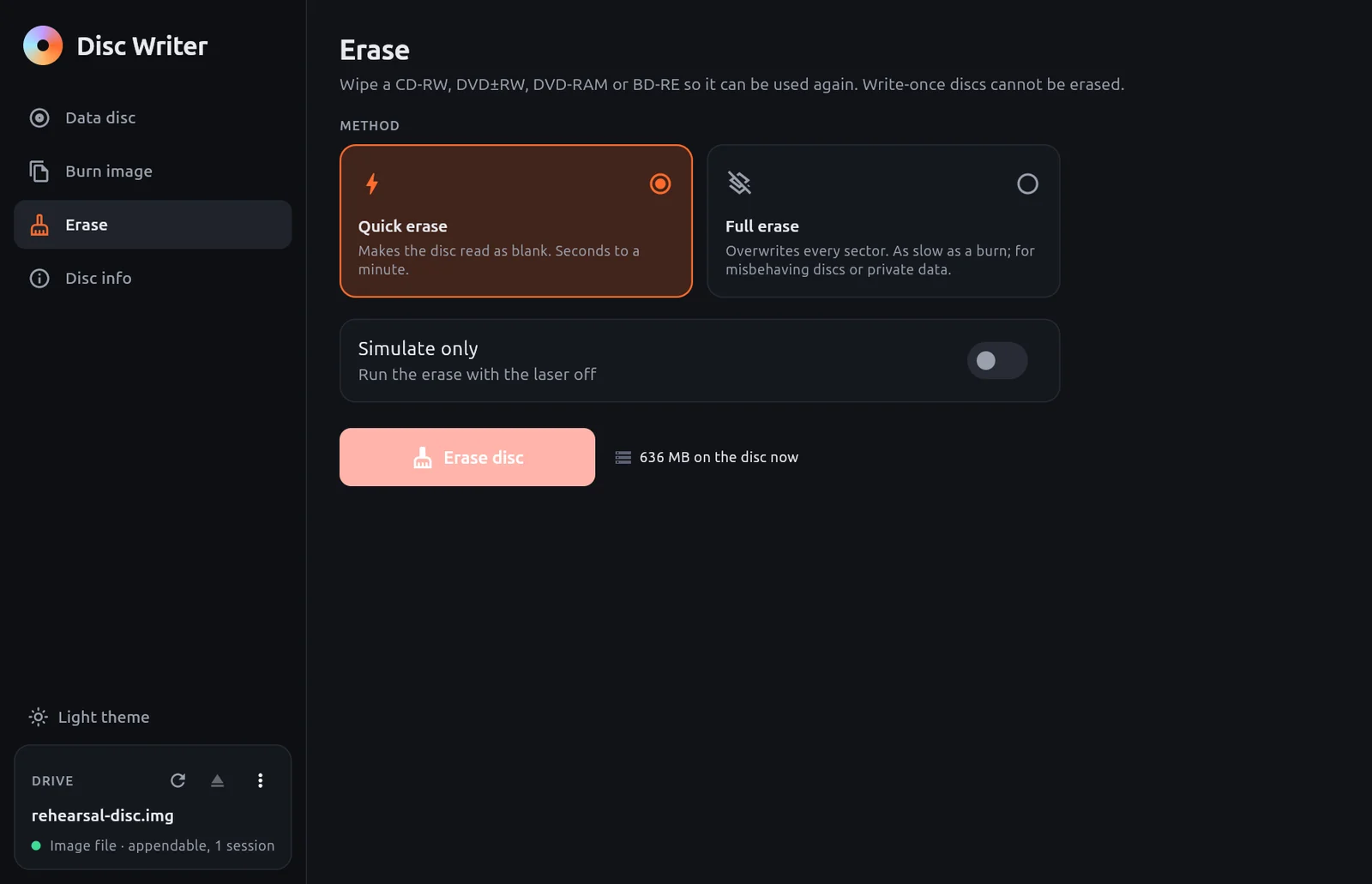
Erase wipes a rewritable disc so it can be used again. It works on CD-RW, DVD±RW, DVD-RAM and BD-RE. Write-once discs cannot be erased.
DANGER
Erasing removes everything on the disc. There is no undo. Copy anything you need off the disc first.
Steps
Insert the rewritable disc.
Open Erase.
The page shows how much data is on the disc now.
Choose a Method.
Select Erase disc.
Confirm Erase this disc? with Erase.
Quick or full
| Method | What it does | Use it when |
|---|---|---|
| Quick erase | Makes the disc read as blank. Takes seconds to a minute | You want to reuse the disc |
| Full erase | Overwrites every sector. As slow as a burn | The disc misbehaves, or it held private data |
A quick erase only marks the disc as blank. The old data is still physically on it until it is overwritten. For a disc with private data that you will hand to someone else, use Full erase.
Rehearse an erase
Turn on Simulate only and select Simulate erase. The erase runs with the laser off and nothing changes on the disc.
Messages you may see
| Message | Meaning |
|---|---|
| Insert a rewritable disc | The disc in the drive is write-once, or there is no disc |
| The disc is already blank | Nothing to erase |
| No drive selected | Pick a drive on the drive card |