
Burn a disc image
A disc image is a single file that holds the complete contents of a disc. Burn image writes it to a disc exactly as it is, so bootable installers stay bootable.
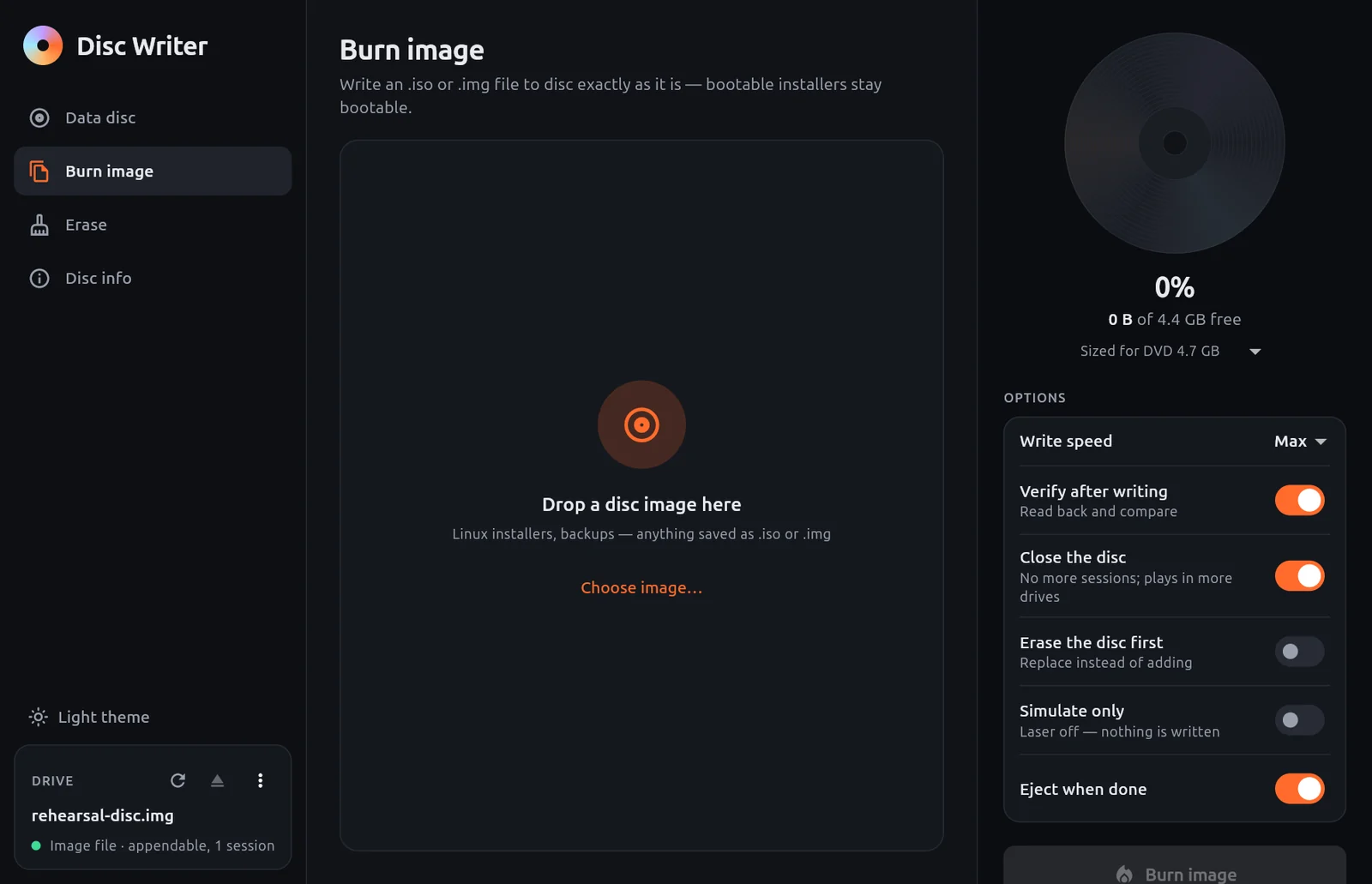
Steps
Open Burn image.
Drop an
.isoor.imgfile onto the page, or select Choose image….For an ISO 9660 image, Disc Writer shows its volume label. Other files are shown as Raw image — copied as-is.
Insert a disc with enough room. The gauge shows how much of the disc the image fills.
Leave Verify after writing on.
Select Burn image.
After writing, the disc is compared with the image file byte for byte. A good burn ends with Verified: disc matches the image byte for byte.
Things to know
- If The image is larger than the disc appears, use a larger disc.
- To write an image onto a rewritable disc that already has data, turn on Erase the disc first.
- Do not copy an
.isoonto a data disc as a file if you want to boot from it. Use Burn image.
WARNING
On a write-once disc a burn cannot be undone. Check that you chose the right image file before you select Burn image.